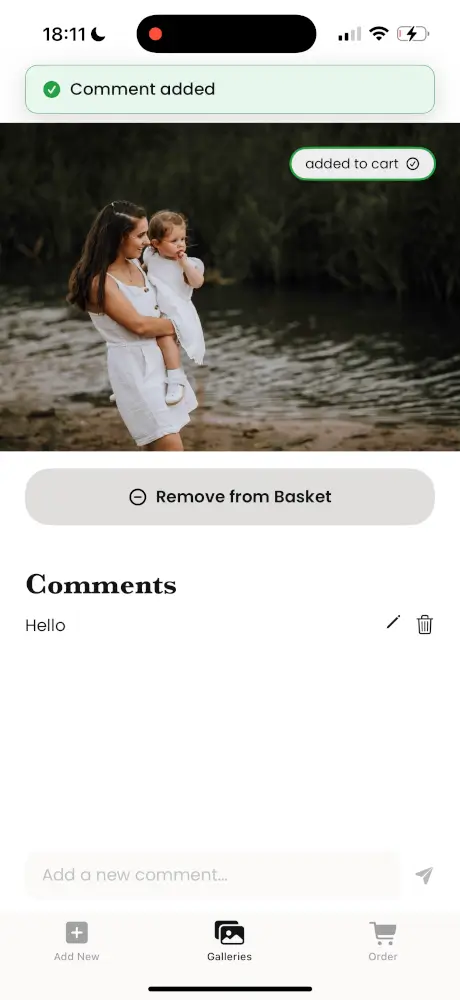
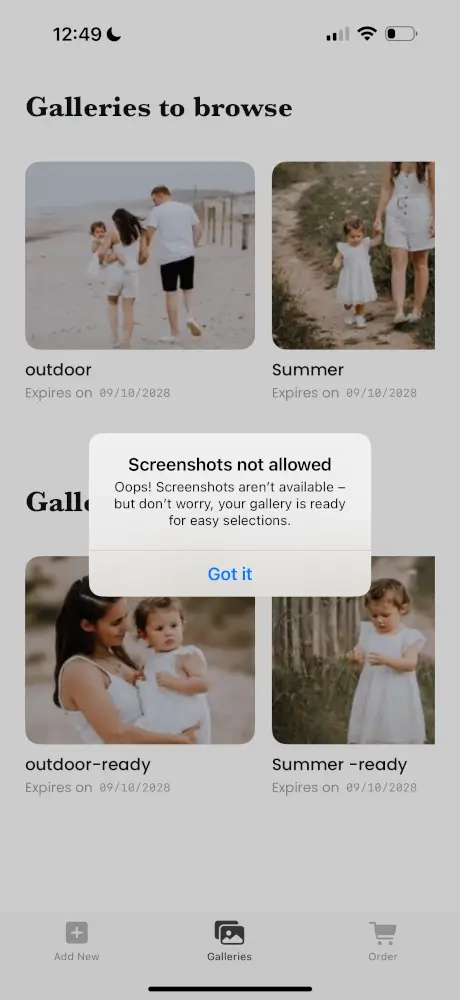
Overview - dashboard and mobile app
Step 1
Create a gallery and share the access code with your client.
Step 2
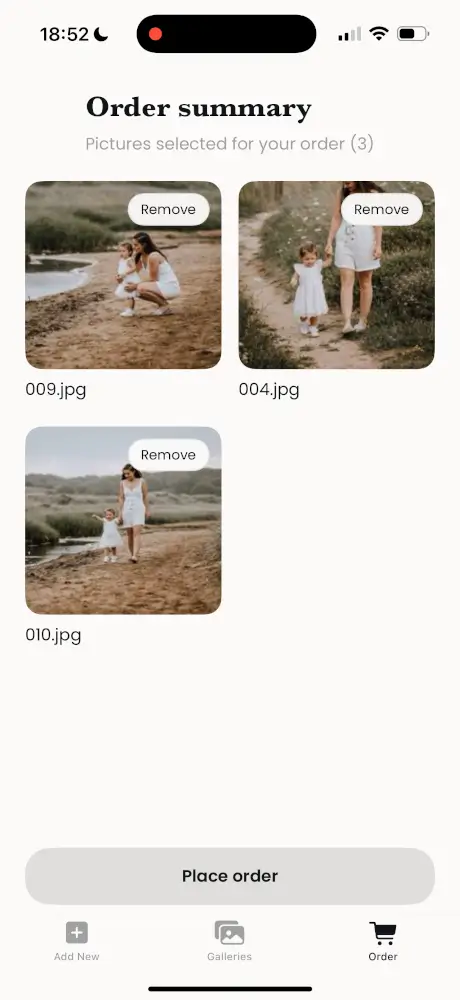
The client downloads the My Safe Frame app, enters the code, and selects their favourites.
Step 3
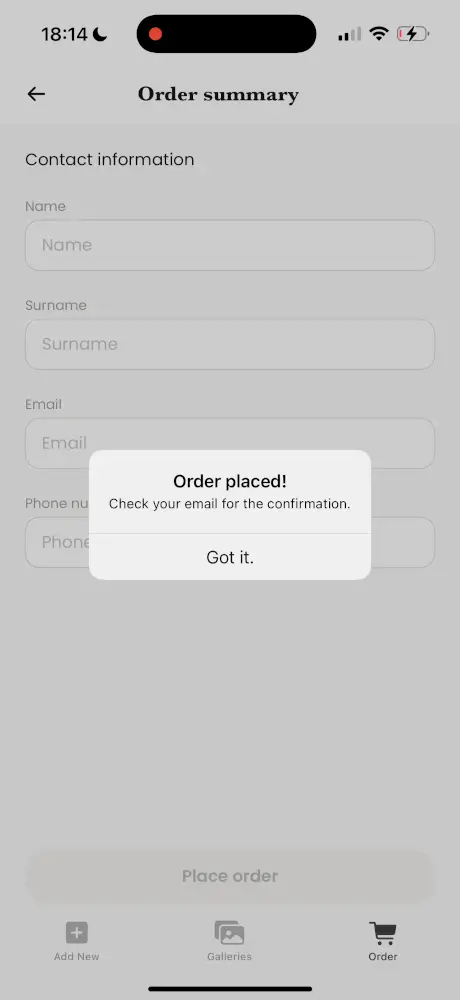
The client submits their selection directly to you.
Step 4
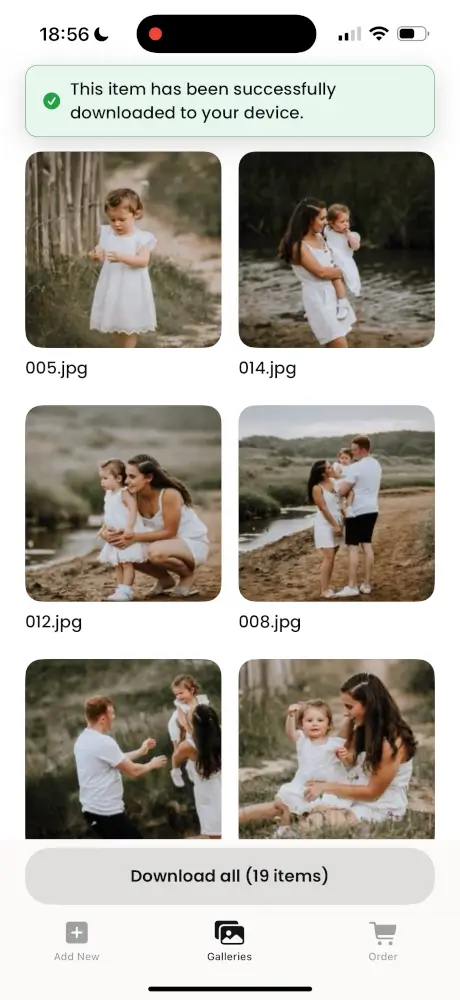
Review, finalise, and allow the client to download their final gallery in the app.
ALBUM
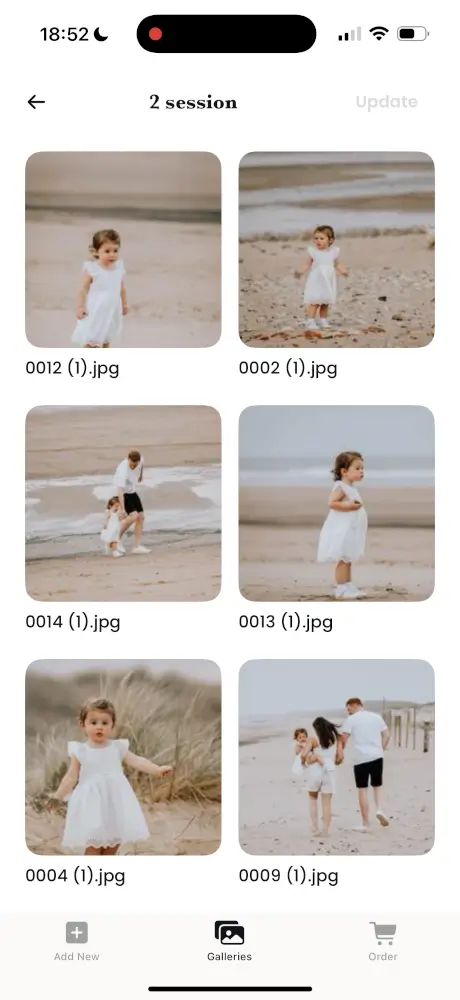
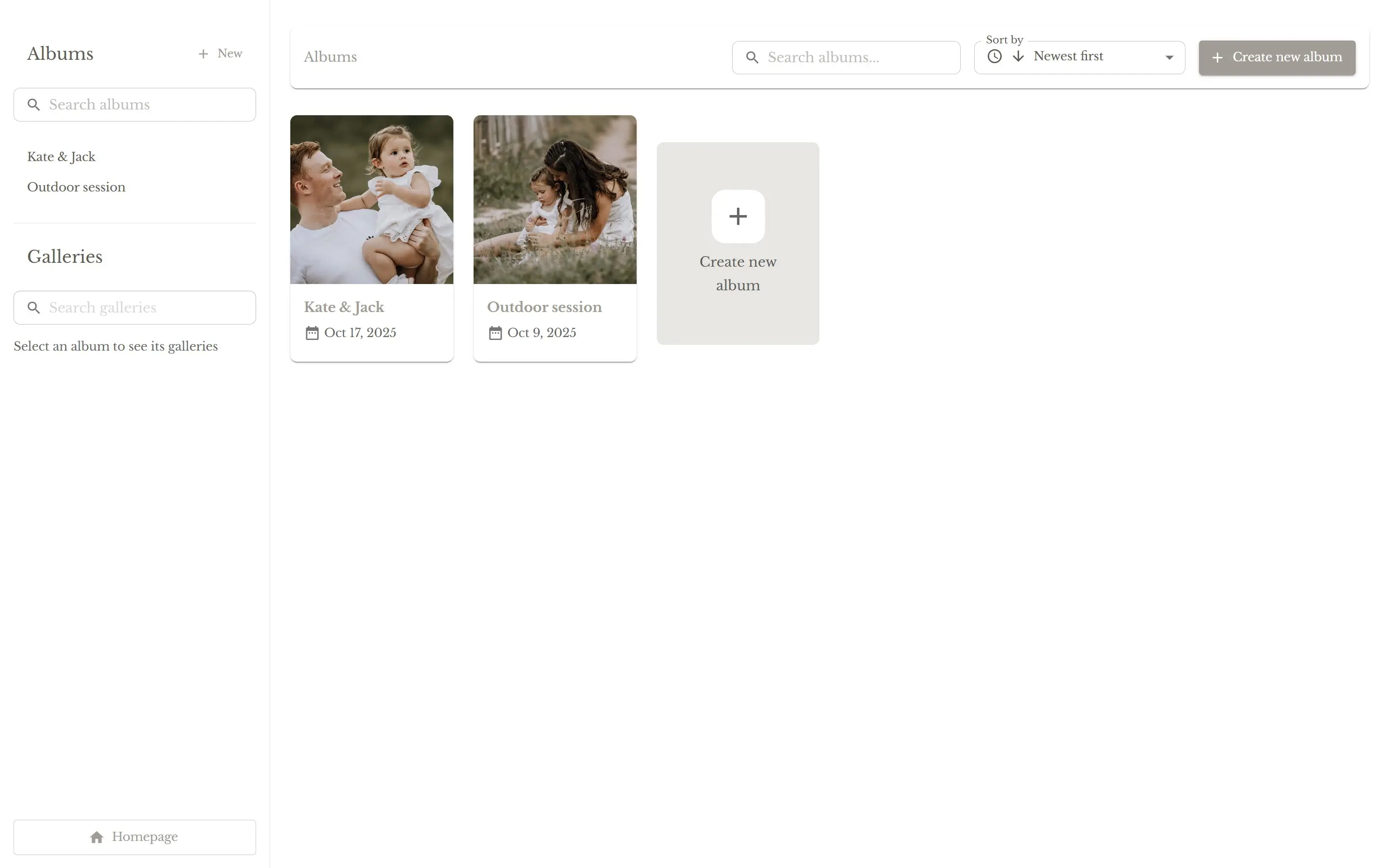
Space to organize all your clients and their sessions.
GALLERY
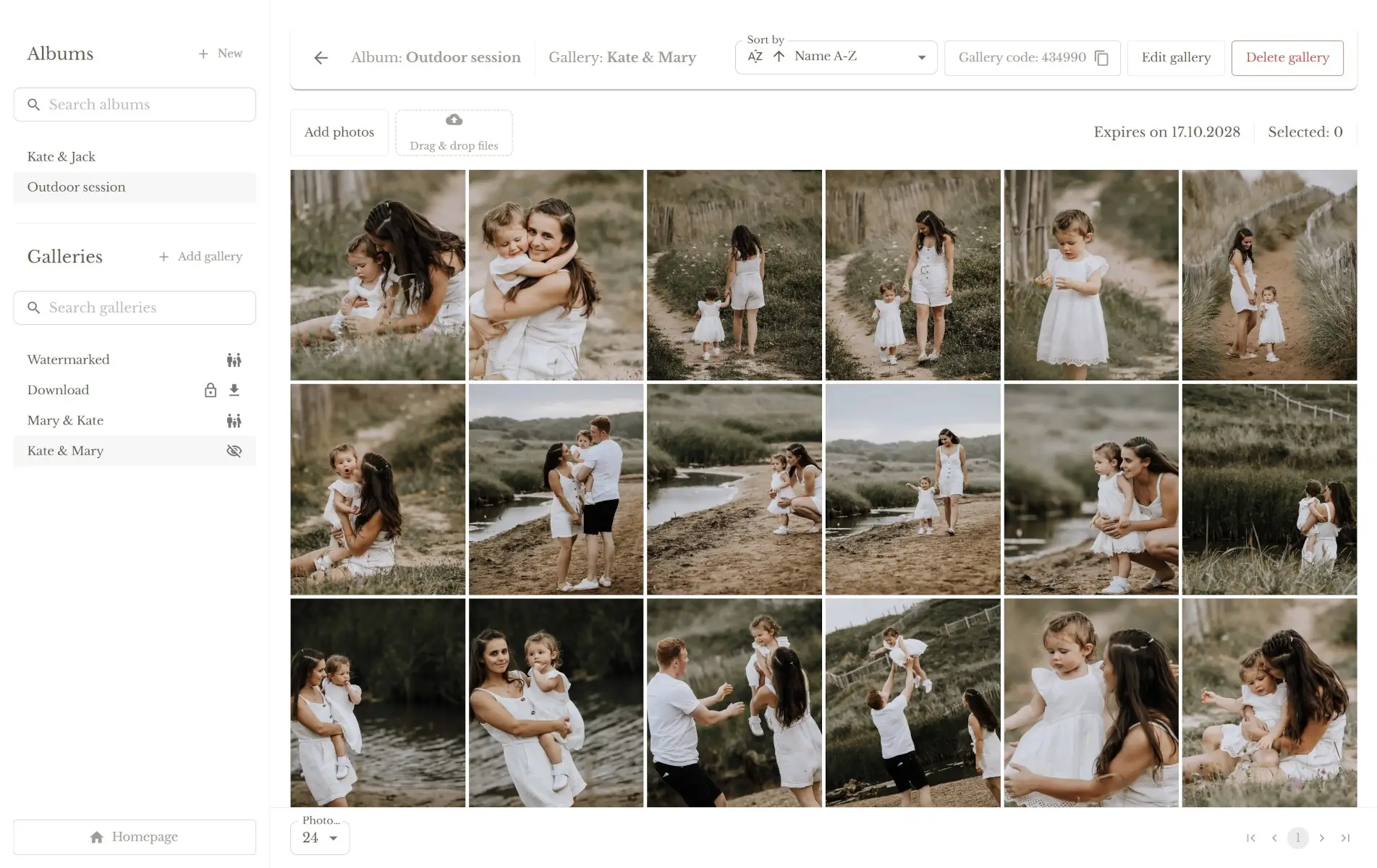
A set of photos for a single client.
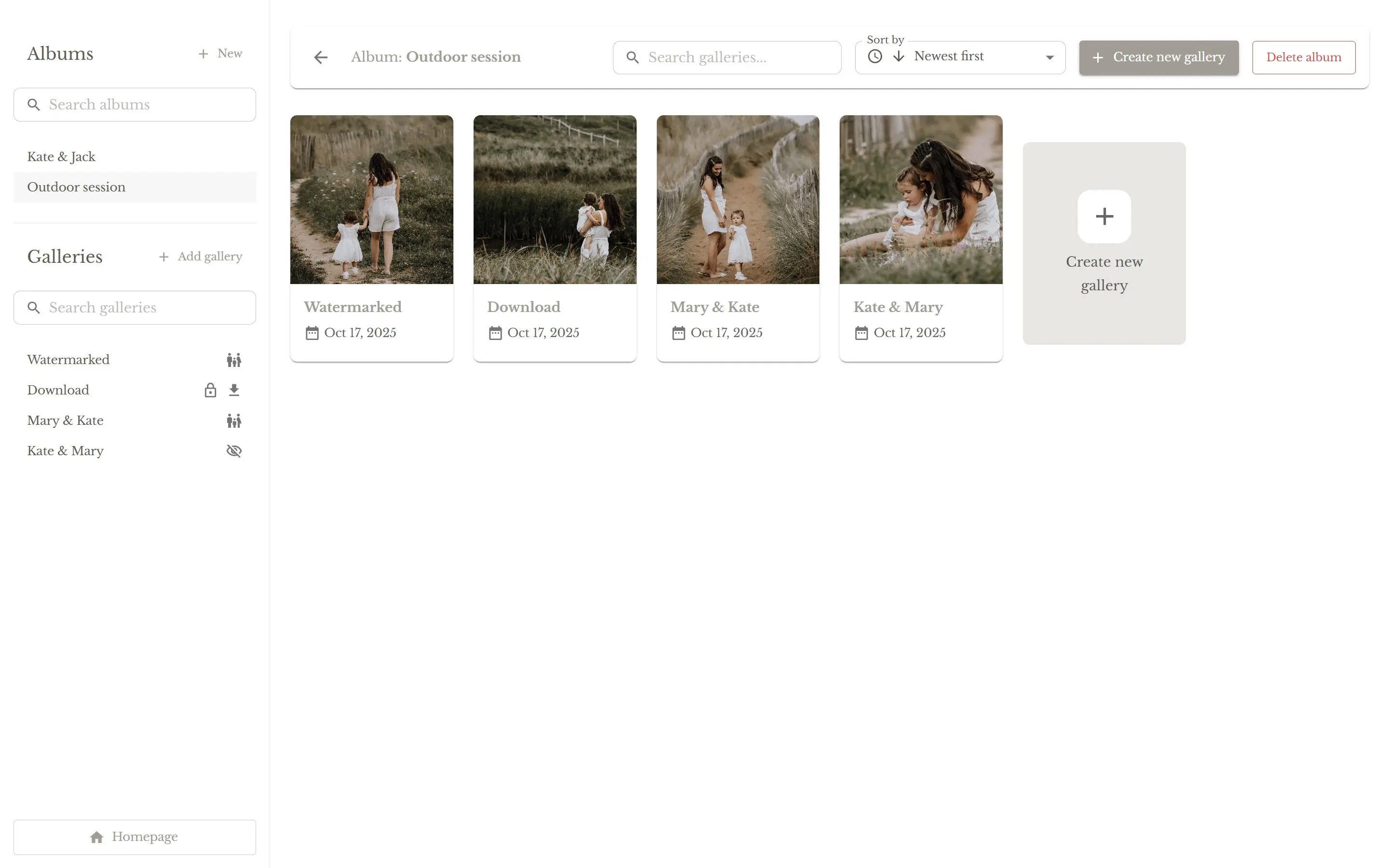
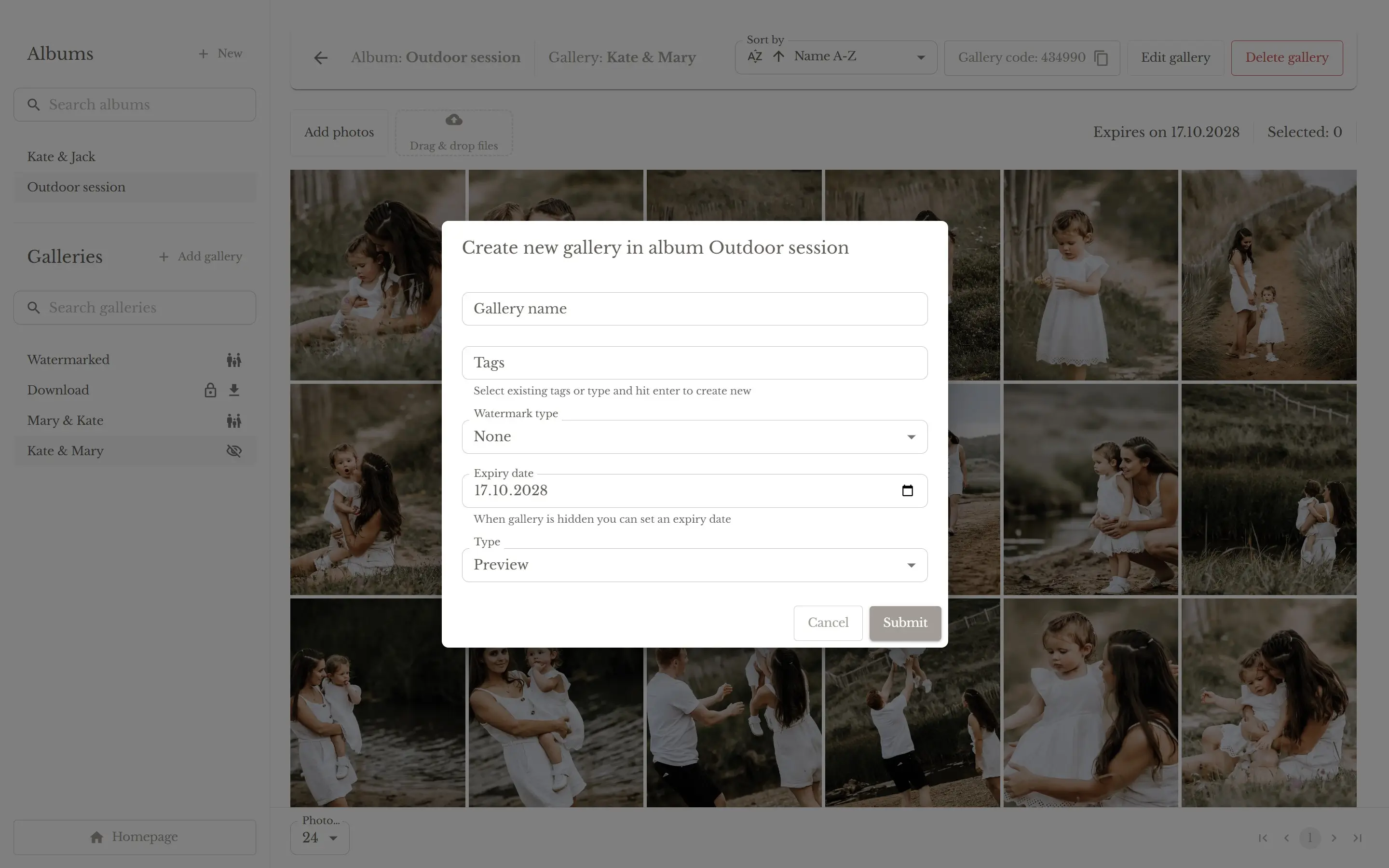
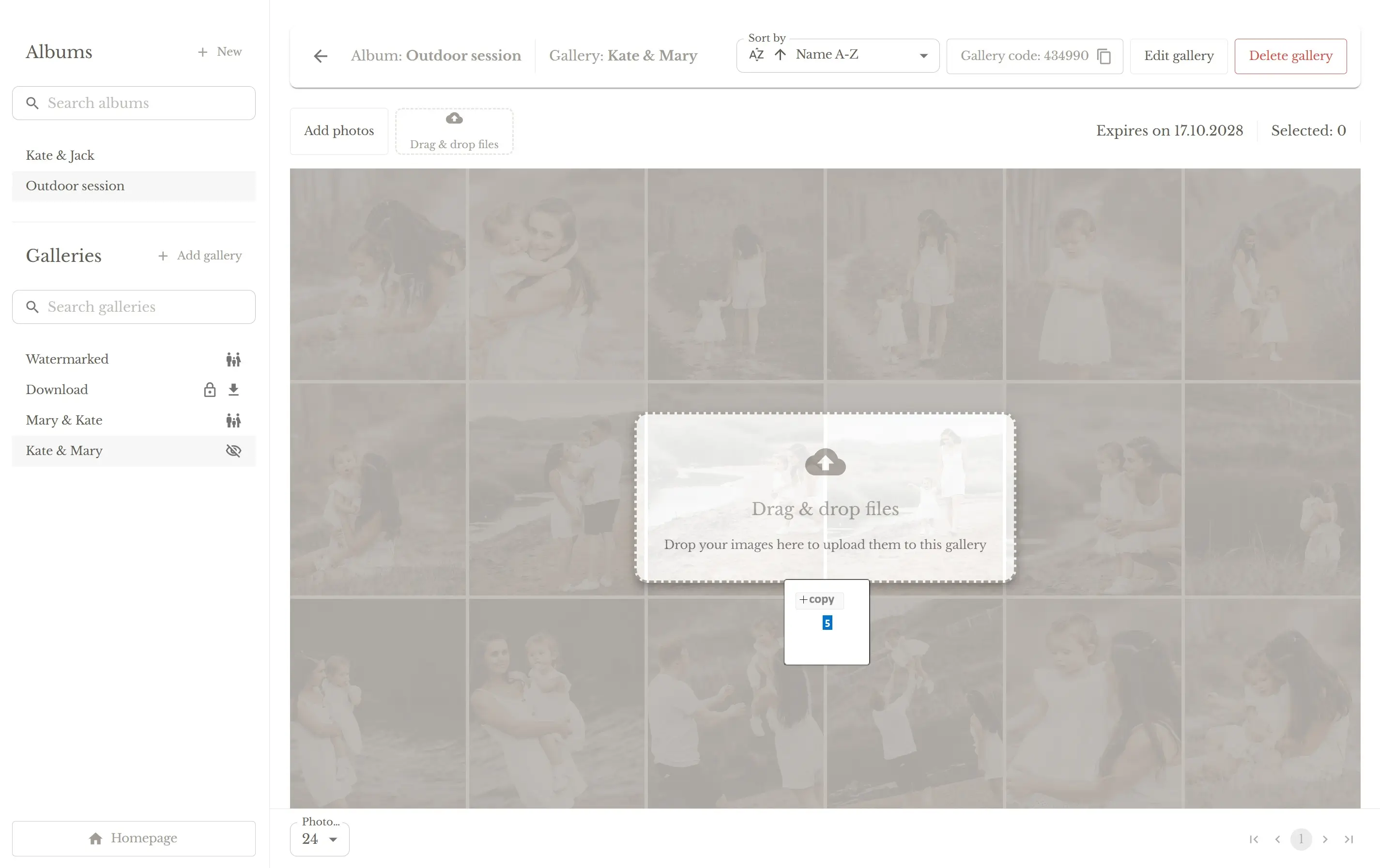
Photographer dashboard
An intuitive, simple dashboard for management
Manage galleries and albums in one place
Add and edit comments
Mobile app
A simple, intuitive mobile app for clients
Protection against screenshots and uncontrolled downloads
Select and order photos without confusion or links
Add comments to photos and manage them in one place