What Screenshot Protection for Photos Actually Means

Director of Newborn Story Photography Ltd and co-founder of Safe Frame
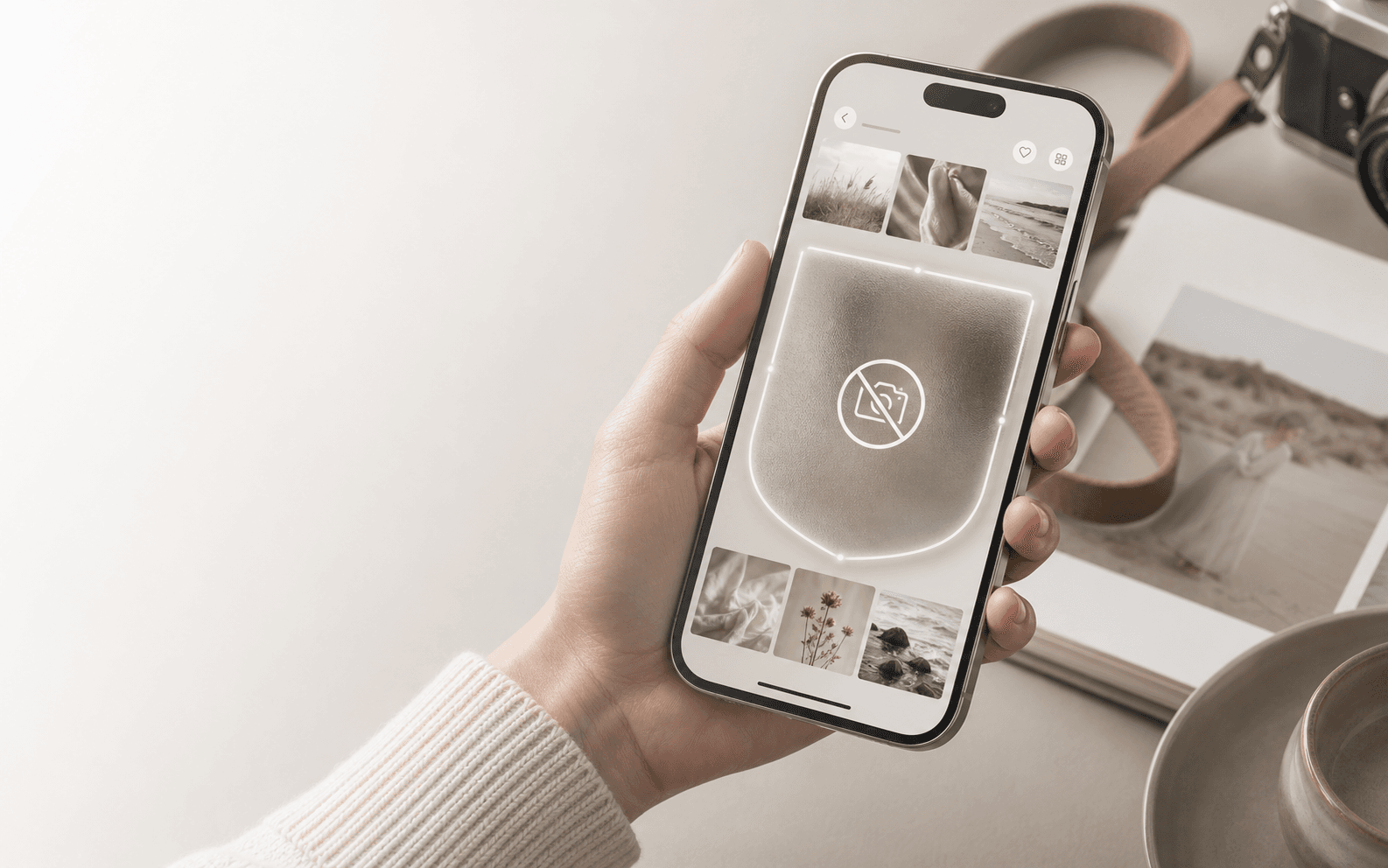
Sharing a photo takes seconds. Keeping control of it after that is harder. Screenshot protection is the name people give to tools that make it harder to capture, save, copy, or pass an image around without permission.
The important part is expectation-setting. In most real situations, protection does not mean total prevention. If someone can physically see an image, they can usually photograph the screen with another device. That weakness is often called the analog hole.
That does not make protection useless. Good protection reduces lazy copying, adds accountability, lowers the quality of unauthorized copies, and sometimes leaves a trail when an image leaks.
The five layers of photo screenshot protection
- Blocking: the app tries to stop screenshots or screen recordings while protected content is visible.
- Detection: the app notices a screenshot event and may notify the sender or log it.
- Expiration: the image disappears after one view, a time limit, or a session.
- Watermarking: the image carries visible or hidden identifiers that make misuse easier to trace.
- Access control: links, passwords, permissions, download limits, and logs control who can view or save the file.
Blocking works best when the app controls the screen
On Android, developers can use a system-level setting called FLAG_SECURE. When it is enabled for a screen, Android can block screenshots and screen recordings there. The captured image may be black, blank, or blocked entirely.
This is not a universal switch a regular Android user can turn on for every photo. It has to be implemented by the app developer, which is why you see it in banking apps, password managers, private vaults, secure messengers, and some professional gallery apps.
On iPhone, third-party apps generally have less control. They may detect that a screenshot happened and react after the fact, but they usually cannot stop ordinary screenshots before capture. Stronger capture restrictions exist in some protected video or DRM contexts, but that is not the normal case for photos.
Detection creates accountability, not prevention
Snapchat is the classic example of screenshot detection. Instagram can also notify in some disappearing-message situations. This works because people behave differently when they know the sender might be told.
But detection is not a undo button. It tells you something happened. It does not remove the copy.
Expiration reduces how long the image is exposed
View-once media in WhatsApp, Signal, Snapchat, and Instagram reduces the chance that a photo sits forever in a gallery, download folder, or old chat thread. That is useful, but view once means normally available once, not impossible to copy.
Watermarks make leaks riskier
A visible watermark adds a logo, username, client name, or overlay. A hidden or forensic watermark embeds identifying data into the file. Neither stops a screenshot by itself, but both can help prove ownership or point back to a leak source.
Watermarks are not perfect. Cropping, blurring, cloning tools, compression, and AI cleanup can weaken visible marks. Hidden marks can also be damaged by resizing, filtering, or screenshots. They still matter most as deterrence and evidence.
Access control protects the whole viewing environment
For photographers and businesses, access control is often more realistic than trying to stop every screenshot. Expiring links, password-protected galleries, download restrictions, user-specific watermarks, and access logs make casual misuse much harder.
Which tools do this well?
- WhatsApp View Once blocks standard screenshots and screen recordings for view-once photos and videos on mobile, but it is still not a guarantee against every capture method.
- Signal offers View Once media and strong privacy defaults, although screenshot behavior depends on platform and device context.
- Snapchat focuses on notifications. That adds accountability, but does not physically stop capture.
- Instagram does not broadly protect regular posts, stories, profiles, or normal DMs. It may notify for disappearing photos, videos, or Vanish Mode.
- Private vault apps can help protect images stored on your own device, especially on Android where secure screen flags are available.
What about websites and Chrome?
A normal website usually cannot prevent screenshots in Chrome. It can disable right-click, block drag saving, hide images behind overlays, or intercept some shortcuts, but operating system screenshots, browser extensions, developer tools, screen recording software, and print-to-PDF create too many workarounds.
For photo galleries on the web, the practical stack is different: lower-resolution previews, visible watermarks, private links, expiring access, download controls, and a clear client workflow. In professional delivery, that is usually more valuable than pretending the browser can be locked down completely.
A practical stack for photographers
- Do not share full-resolution originals until the client has selected and paid.
- Use low-res previews that look good on screen but are less useful outside the gallery.
- Add visible watermarks or dynamic overlays when proofs are not final files.
- Use client-only galleries with expiring access and password protection where appropriate.
- Keep download permissions separate from viewing permissions.
- Treat screenshot protection as a deterrent layer, not the only layer.
Quick FAQ
- Can screenshots be prevented completely? Usually no. Some apps can block standard captures, but total control is unrealistic once someone can see the image.
- Can WhatsApp stop screenshots? For View Once media on mobile, WhatsApp blocks standard screenshots and screen recordings. Normal chat images are different.
- Can iPhone apps block screenshots? Most third-party iPhone apps cannot fully block ordinary screenshots. They may detect them afterward.
- Can Android apps block screenshots? Yes, when the app developer uses secure screen protection such as FLAG_SECURE.
- Can websites block screenshots? Not reliably. They can make saving harder, but screenshots and browser workarounds are difficult to stop.
The honest bottom line
Screenshot protection is risk reduction. It can make copying harder, make capture more visible, reduce the usefulness of stolen files, and make leaks easier to trace. It cannot promise absolute control over an image that appears on another person's screen.
Before sending something sensitive, ask whether you trust the recipient, whether you need to send the original file, whether a watermark makes sense, and what happens if the image gets out anyway. Technology helps, but judgment is still the strongest privacy tool.
Related reading

Nina
Director of Newborn Story Photography Ltd and co-founder of Safe Frame
Nina is a professional newborn and family photographer based in North East England with over 14 years behind the camera. Her experience ranges from forensic imaging labs to running a family-focused portrait studio, which shapes how she approaches safe delivery, sensitive client data, and honest sales conversations.
View author page →Reviewed: April 13, 2026
Editorial policy
Related in this topic cluster
Safe Frame Blog
Actionable guides for photographers who want to protect images, speed up proofing, and increase print sales.
Build secure client galleries with SafeFramePro
Protect previews, speed up proofing, and increase print sales with one workflow.