Does Instagram Notify When You Screenshot DMs?

Director of Tiny Toes by Aggi Ltd and co-founder of Safe Frame
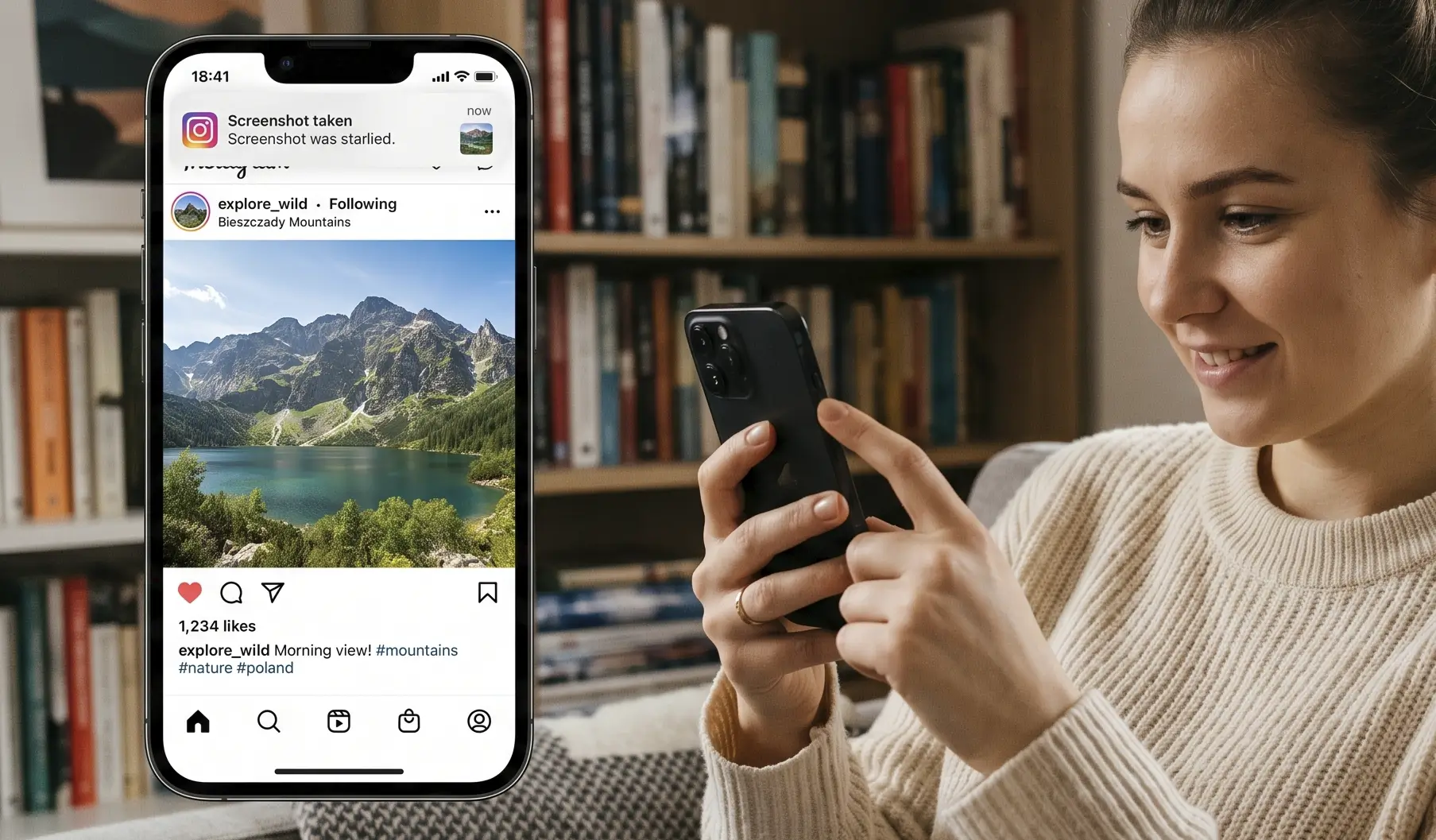
Yes, you can screenshot Instagram DMs. And sometimes Instagram tells the other person you did.
Here is the catch: Instagram only alerts for disappearing stuff. Regular Direct Messages, including text or permanent photos from your gallery, do not trigger anything. But if you capture a View Once or Allow Replay photo or video taken with the in-DM camera, or anything sent while Vanish Mode is on, the sender gets a heads-up.
Which Instagram messages trigger screenshot notifications?
- View Once: a one-time photo or video sent via the blue DM camera. A screenshot or screen recording will notify the sender.
- Allow Replay: still temporary. The recipient can open it and replay it once before it disappears. Screenshots and recordings also trigger alerts.
- Vanish Mode: a temporary chat where messages disappear for everyone after they have been seen and you close the chat. Screenshots of text or media here send notifications too.
- Group chats: the same rules apply. If someone screenshots disappearing media or anything in Vanish Mode, everyone in the group can see who did it.
What does not trigger alerts
- Standard DMs: normal text messages in Instagram Direct Messages.
- Permanent images: photos or videos you send from your phone gallery, not the in-DM camera, and anything set to Keep in Chat.
- Shared content: Reels, posts, and links.
- Stories and profiles: no notifications for Story or profile screenshots in 2024.
How Instagram catches it
Instagram listens for OS-level screenshot and screen-record events exposed by iOS and Android. When one fires on a disappearing message, the app flags that specific item in the chat with a small dashed-circle or shutter icon and may add a brief Screenshot label in your inbox thread preview.
Screen recordings are treated the same as screenshots for this content. Detection can vary by device, OS version, the Windows app versus web, and certain third-party tools, so it is not 100% consistent.
Workarounds and gaps people try
- Web browser on desktop: taking a screenshot in Chrome, Safari, or another browser usually does not notify the sender.
- Windows app versus web: the Instagram app for Windows is more likely to trigger alerts; the browser version often does not.
- Screen mirroring or casting: AirPlay or Screen Mirroring to another display typically does not trigger a notification. Recording the mirrored screen on the other device will not be detected by Instagram.
- Third-party or older systems: some recording utilities or outdated OS builds can slip past detection.
- Accessibility tools: screen readers like VoiceOver or TalkBack do not trigger alerts by themselves. But if you take a screenshot via AssistiveTouch or a system shortcut, that still counts as a screenshot event.
- Real-world methods: anyone can point another phone at the screen. Instagram cannot detect that.
- Airplane Mode: generally not a loophole. The app queues the alert and sends it once you are back online.
Camera Roll vs. DM camera: how to send without alerts
- Use the blue camera icon in the DM composer to shoot disappearing media. You will see options like View Once, Allow Replay, or Keep in Chat before sending.
- Use the gallery or photo icon to pick from your camera roll. Those send as permanent Keep in Chat messages and do not alert if someone screenshots them.
Why this exists
Disappearing messages are meant to be quick and short-lived. Screenshot alerts add a little accountability.
- Privacy: senders know if a temporary moment was captured.
- Expectations: it is not bulletproof, but it discourages quiet saves.
- Comfort: people share more candidly when the app flags capture attempts.
Quick FAQs
- How to screenshot Instagram DMs without them knowing? Only capture non-disappearing content: standard text, gallery images set to Keep in Chat, and shared posts. A desktop web browser is less likely to alert, but results vary.
- Does Instagram notify screenshots of Stories in 2024? No. Story and profile screenshots do not send alerts.
- What does the Instagram screenshot notification icon mean? In the chat, a small dashed-circle or shutter icon appears next to the disappearing message that was captured. You may also see Screenshot under that thread in your inbox.
- Are screen recordings treated the same as screenshots? Yes, for View Once, Allow Replay, and Vanish Mode.
- Can I turn off screenshot notifications in Privacy settings? No. There is no toggle for this.
- In group DMs, who sees the alert? Everyone in the group can see who took the screenshot.
- If the sender unsends the message, does the alert vanish? Not reliably. If the screenshot was detected, the alert may already be sent or cached.
Bottom line
Instagram notifies screenshots for disappearing media, including View Once and Allow Replay, and for anything in Vanish Mode. Look for the dashed-circle or shutter icon and sometimes a Screenshot note in your inbox. Standard DMs, permanent gallery images, and shared posts do not alert. It is a balance of spontaneity and accountability, with a few gaps you should still assume can be closed anytime.
Related reading

Agata
Director of Tiny Toes by Aggi Ltd and co-founder of Safe Frame
Agata is the owner of a London-based photography studio with more than 10 years of experience in family and baby portraits. She has rebuilt her client workflow around faster selections, fewer screenshots, and a proofing experience that treats galleries as a sales step, not a dropbox.
View author page →Reviewed: April 13, 2026
Editorial policy
Related in this topic cluster
Safe Frame Blog
Actionable guides for photographers who want to protect images, speed up proofing, and increase print sales.
Build secure client galleries with SafeFramePro
Protect previews, speed up proofing, and increase print sales with one workflow.