
Founder · Photographer
Nina
Director of Newborn Story Photography Ltd · North East England
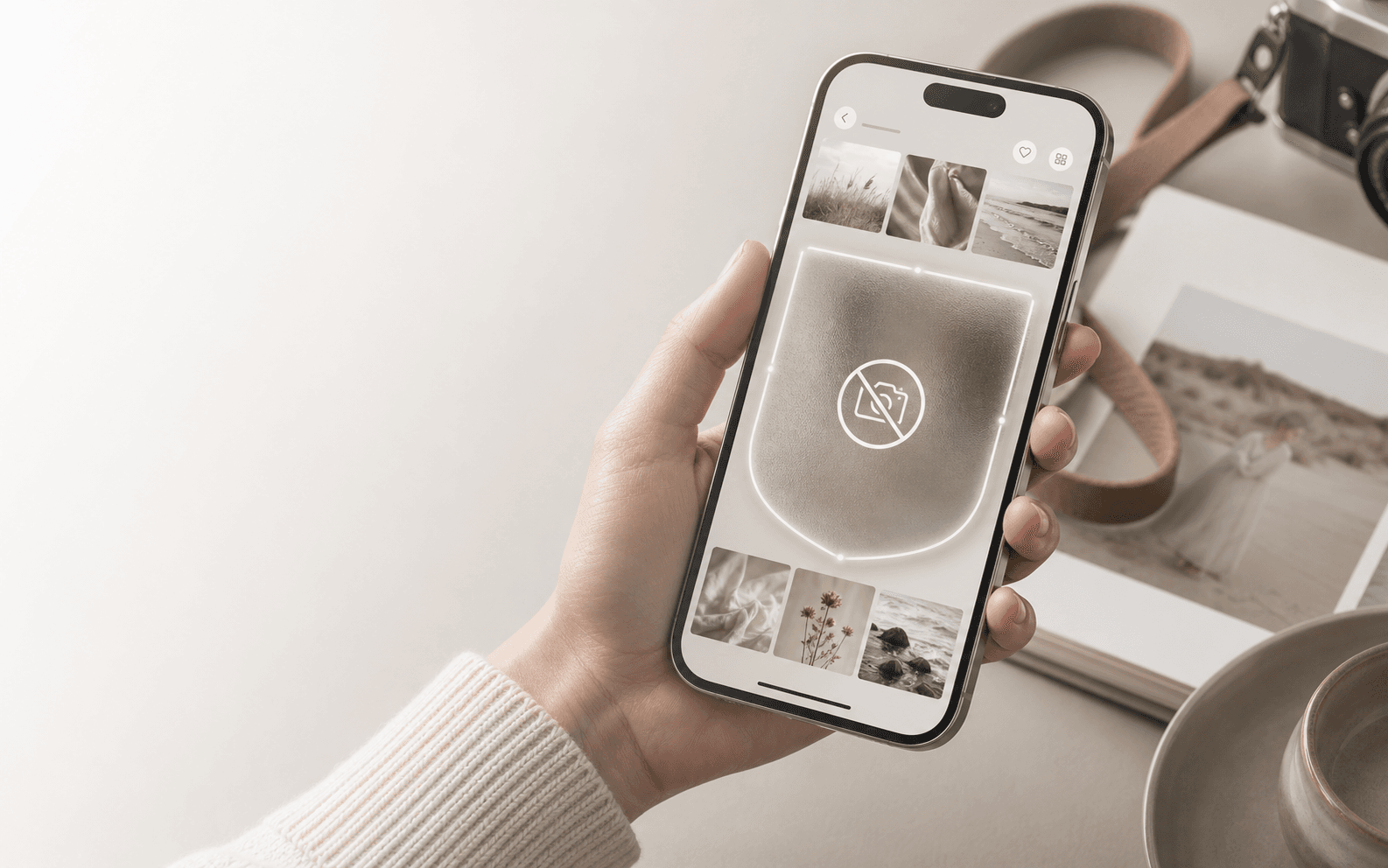
The client gallery app with built-in screenshot protection
The first client gallery app for photographers with built-in screenshot protection. Created, tested and used in real photography studios.
No credit card required
Sharing work digitally should never mean surrendering its value. Safe Frame helps photographers protect the time, creativity and expertise invested in every image while clients view their gallery and choose what they want to buy.
Why built-in screenshot protection?
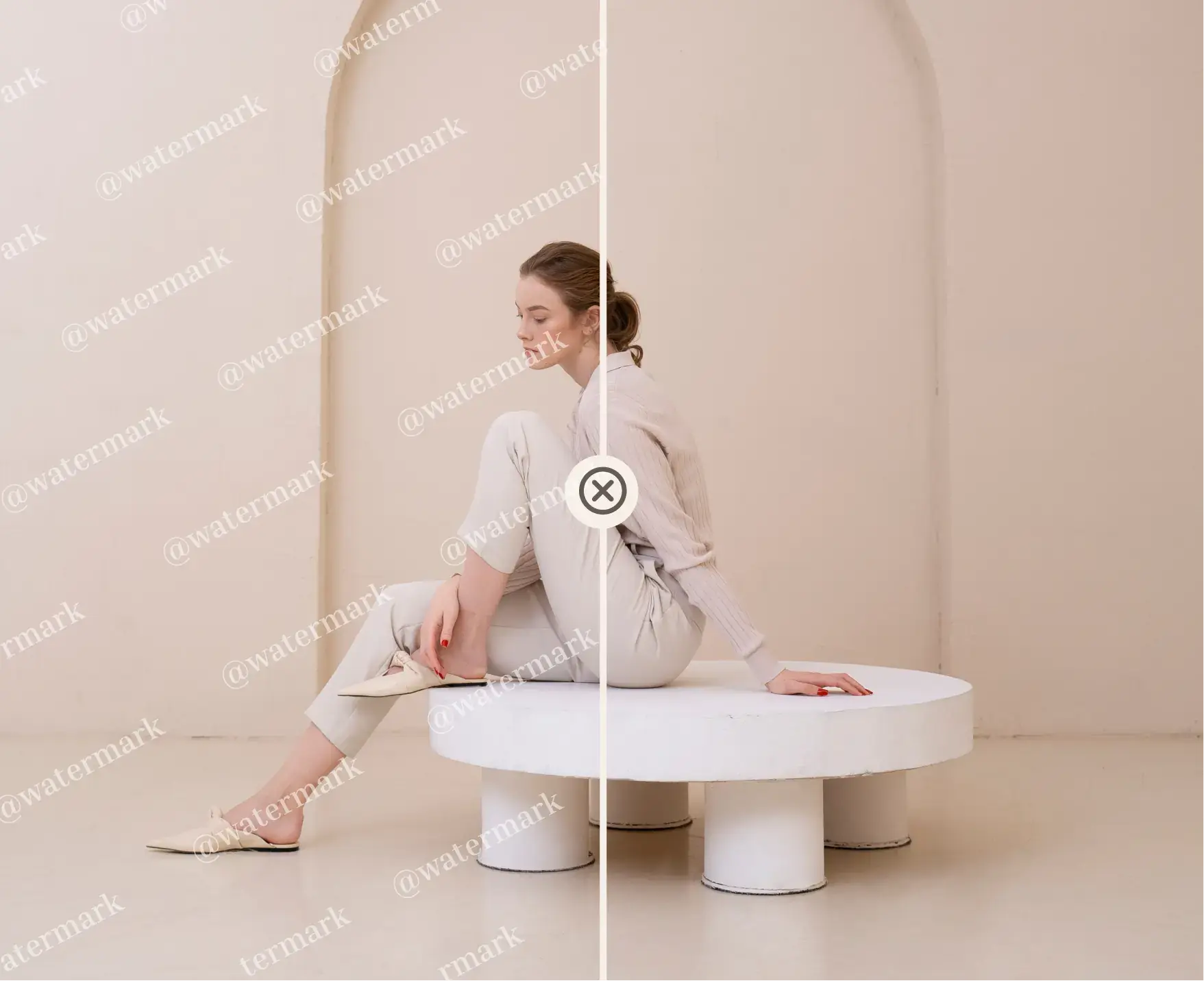
AI tools can remove watermarks in seconds. Screenshots can save an image before a client chooses what to buy, and upscaling can turn a low-resolution capture into something usable. For professional photographers, that is not an abstract technology problem. It means lower sales and more uncertainty.
7-day free trial
Use every Safe Frame feature from day one.
Safe Frame is part of the working gallery process for photographers who understand the commercial value of every image.
Built-in protection against screenshots and screen recordings on supported devices.
Add a visible layer of protection to images viewed inside your client galleries.
Add animated visual noise as another protective layer. It can be used instead of a traditional watermark to help make unauthorised captures less usable.
Protected galleries are opened in the MySafeFrame app rather than an ordinary web browser.
Clients can choose favourites, add comments and build an order without saving the files first.
Founder · Photographer
Director of Newborn Story Photography Ltd · North East England
Founder · Photographer
Director of Tiny Toes by Aggi Ltd · London, UK
Built-in screenshot protection
Open our working demo gallery in MySafeFrame, or use the preview here to see the protection message.
Download MySafeFrame


For the photographer
The workspace you use on your computer to create galleries and manage the client’s order.
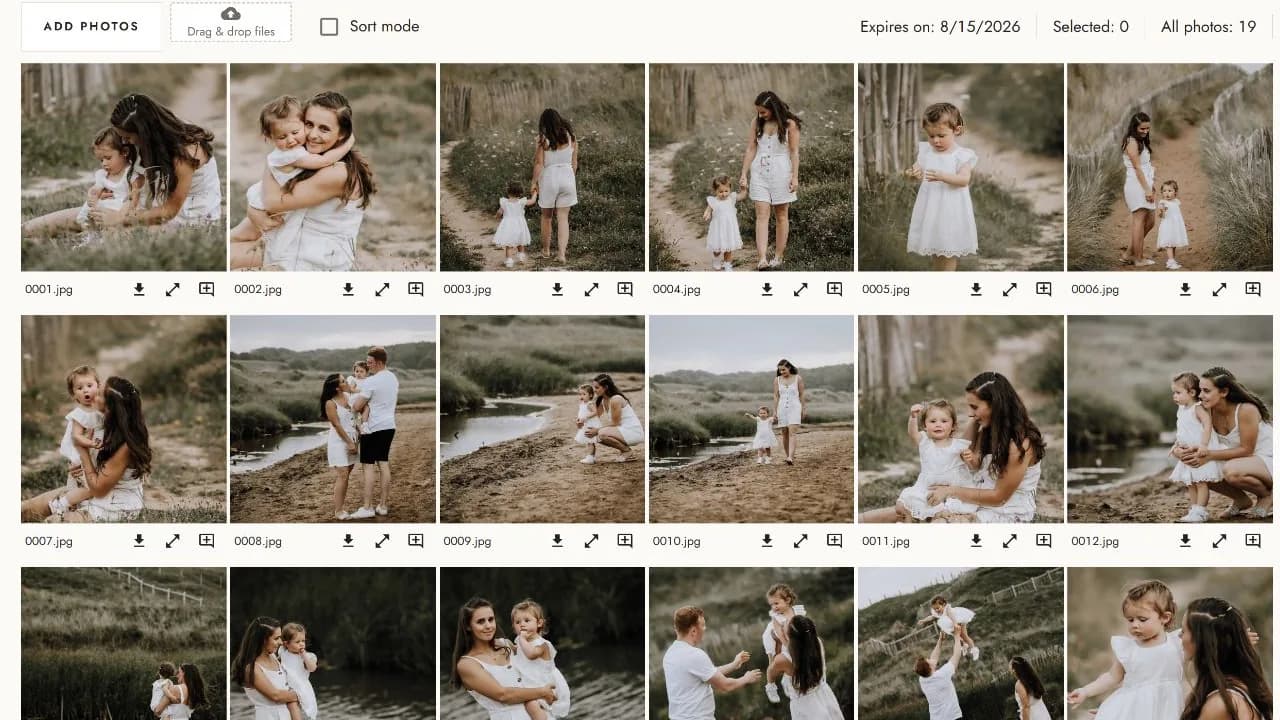
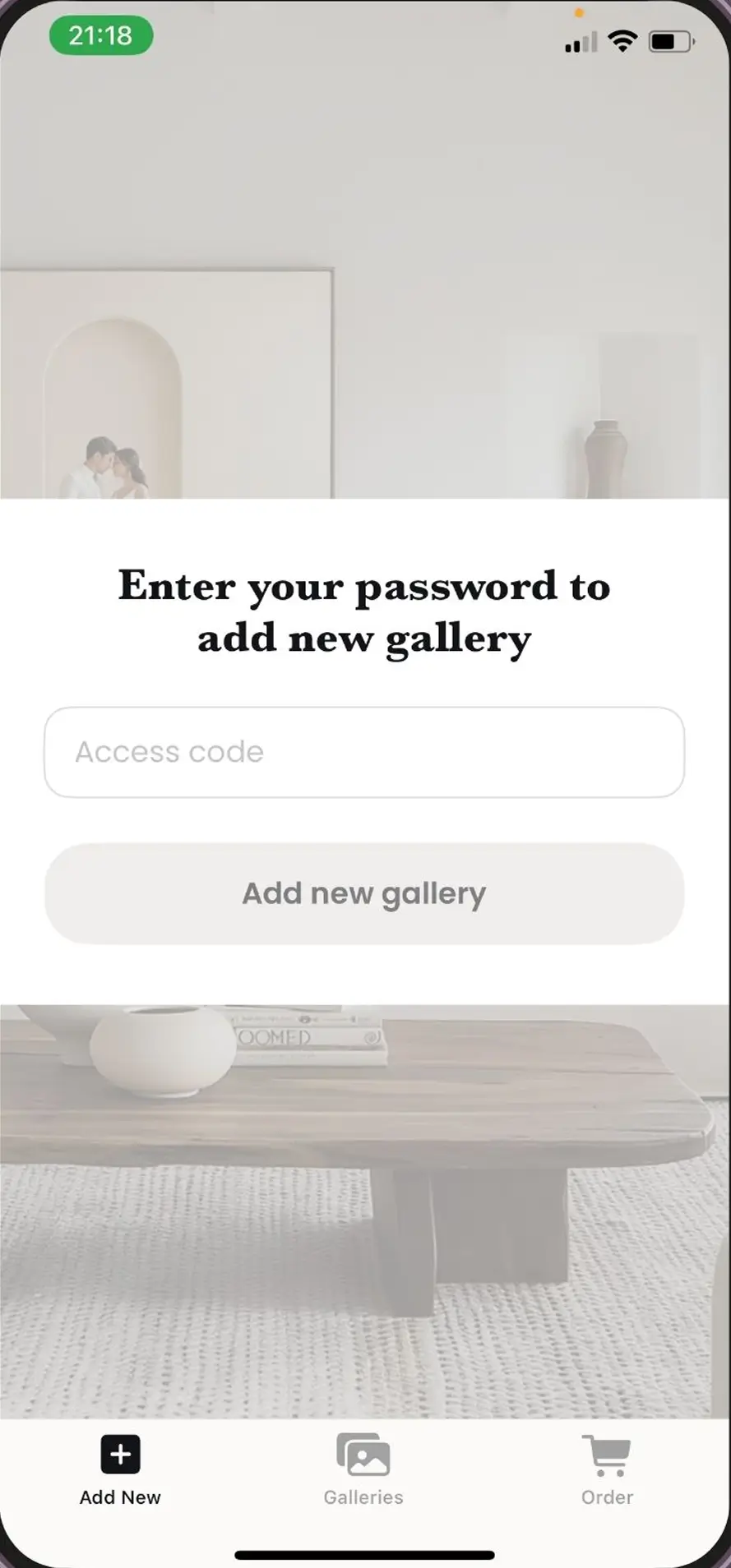
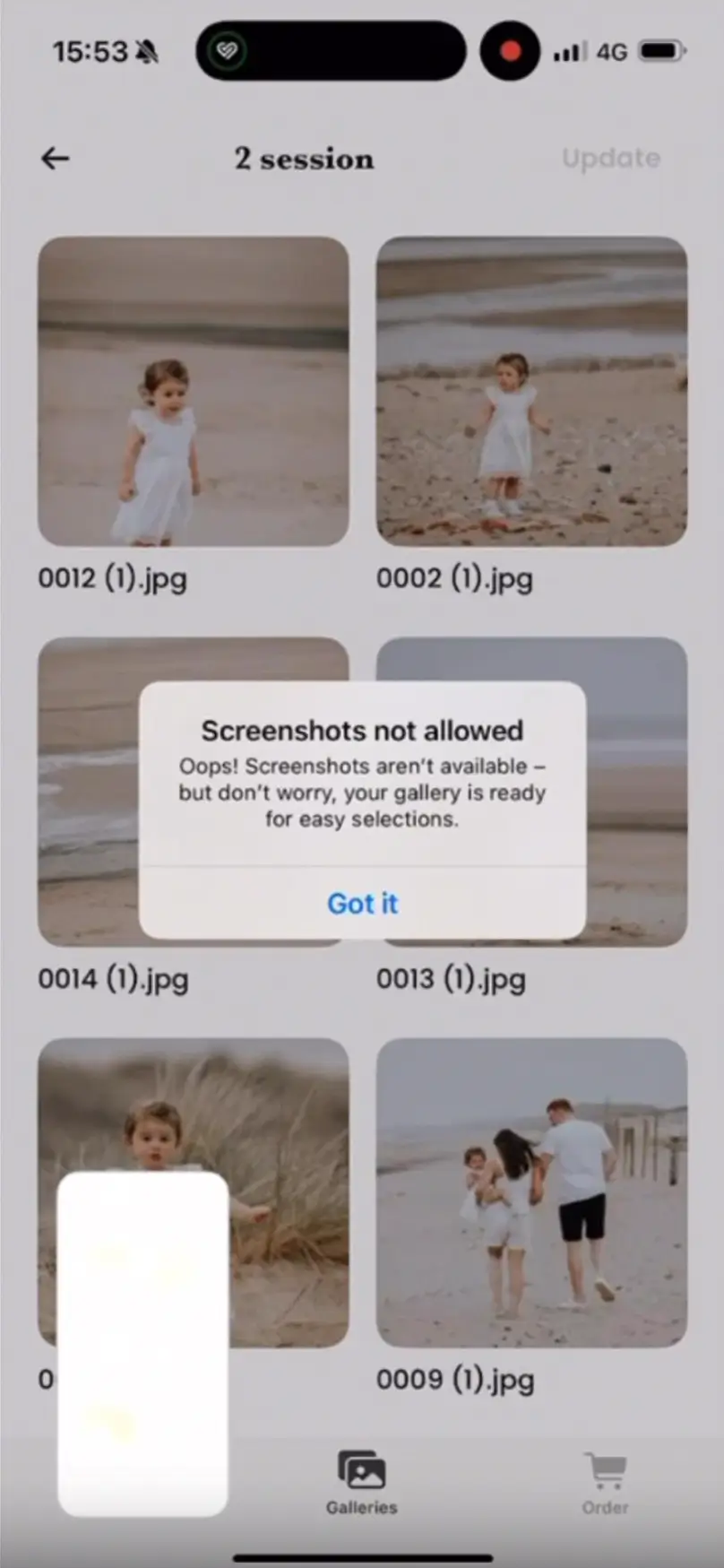
For the client
The mobile app your client uses to open the private gallery, choose photographs and receive their final images.
Since using Safe Frame, clients have purchased more photographs and my revenue has gone way up.
Maddy Rogers
Verified Trustpilot review
Our commitment
New devices, operating-system updates and viewing features can introduce new ways of capturing digital content. We continue to test Safe Frame, investigate unexpected behaviour and strengthen the platform as technology changes.
Take credible reports seriously and investigate the available evidence.
Communicate clearly about what we know, what we are testing and any current technical limitations.
Keep testing and improving Safe Frame as devices and operating systems change.
Start today
Create your first client gallery with full access to every feature.
Questions
Find clear answers about compatible devices, screenshot protection and reporting unexpected behaviour.
View all FAQsSupport varies by device and operating-system version. Check the current compatibility guidance before sending a gallery. Protection applies in the official MySafeFrame experience on supported devices.
On supported devices, MySafeFrame blocks or responds to screenshot and screen-recording attempts while protected gallery content is visible.
No digital system can prevent every external method of copying an image. Safe Frame adds built-in protection on supported devices, while animated noise makes a straightforward capture less useful than a basic static watermark.
Contact support with the device model, operating-system version and the steps you followed. The Safe Frame team will record and investigate the report.