Como funciona a Safe Frame
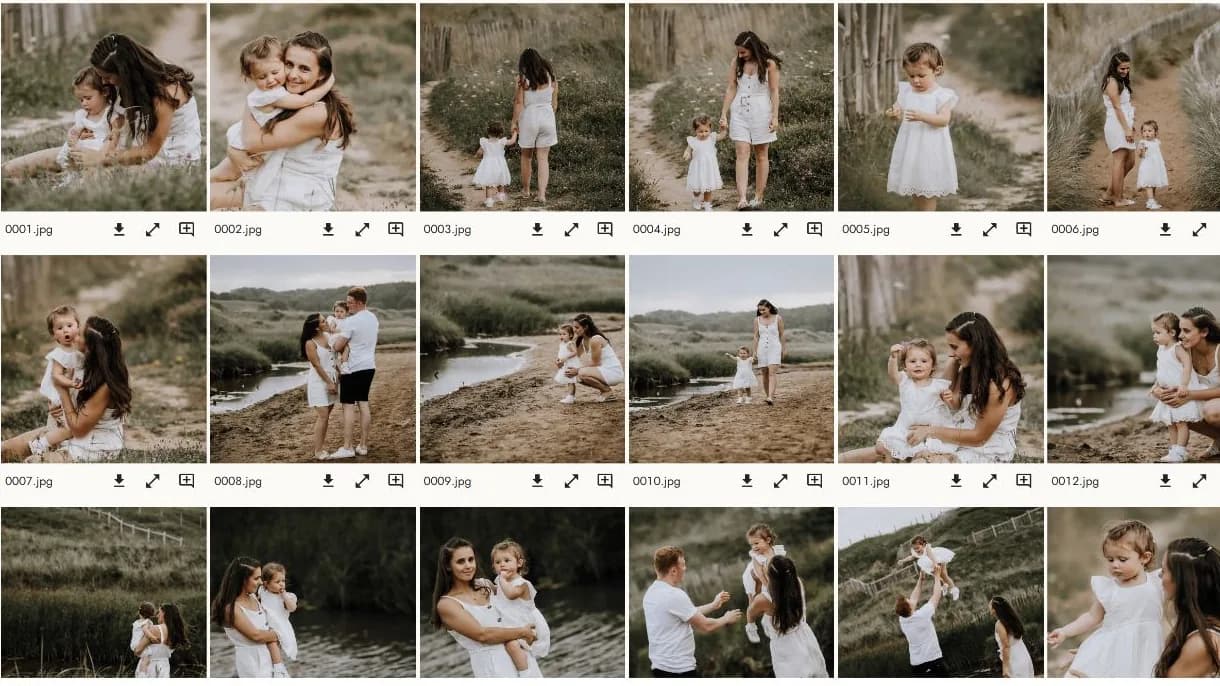
Crie a galeria e receba a encomenda na SafeFrame Pro. O cliente vê, escolhe e recebe as imagens na MySafeFrame.
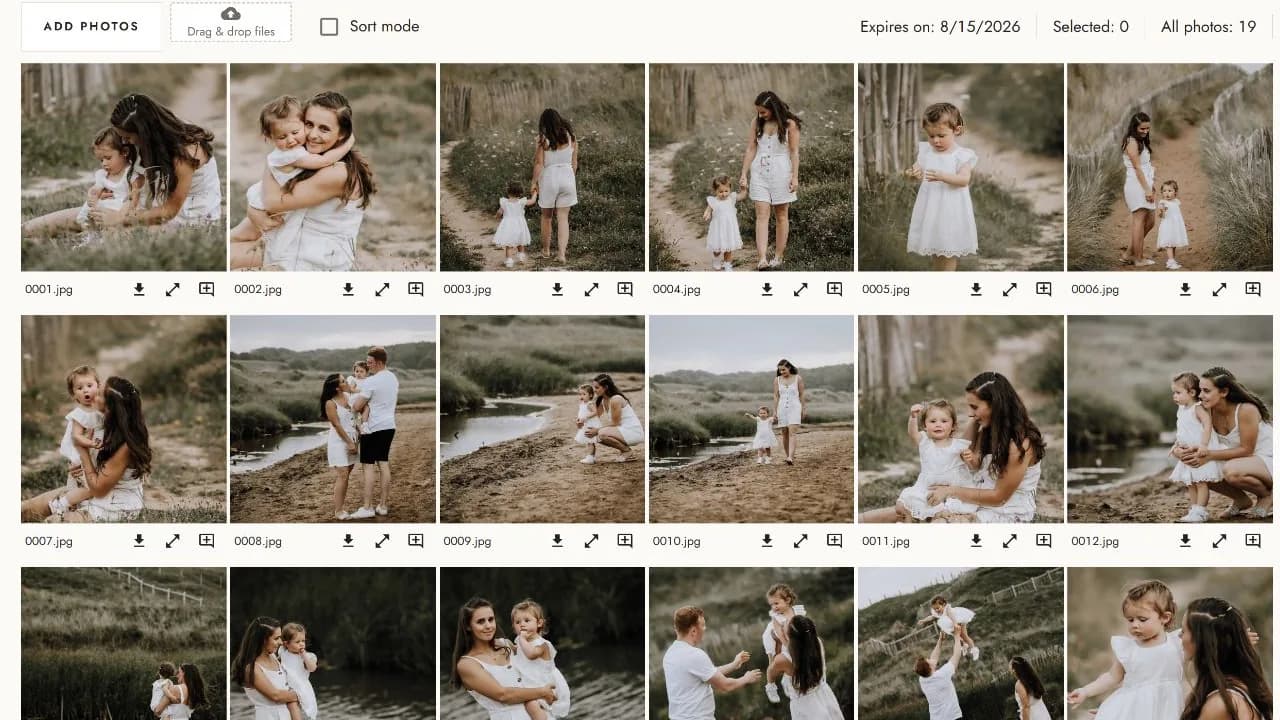
Para o fotógrafo
O espaço de trabalho que utiliza no computador para criar galerias e gerir a encomenda do cliente.
Para o cliente
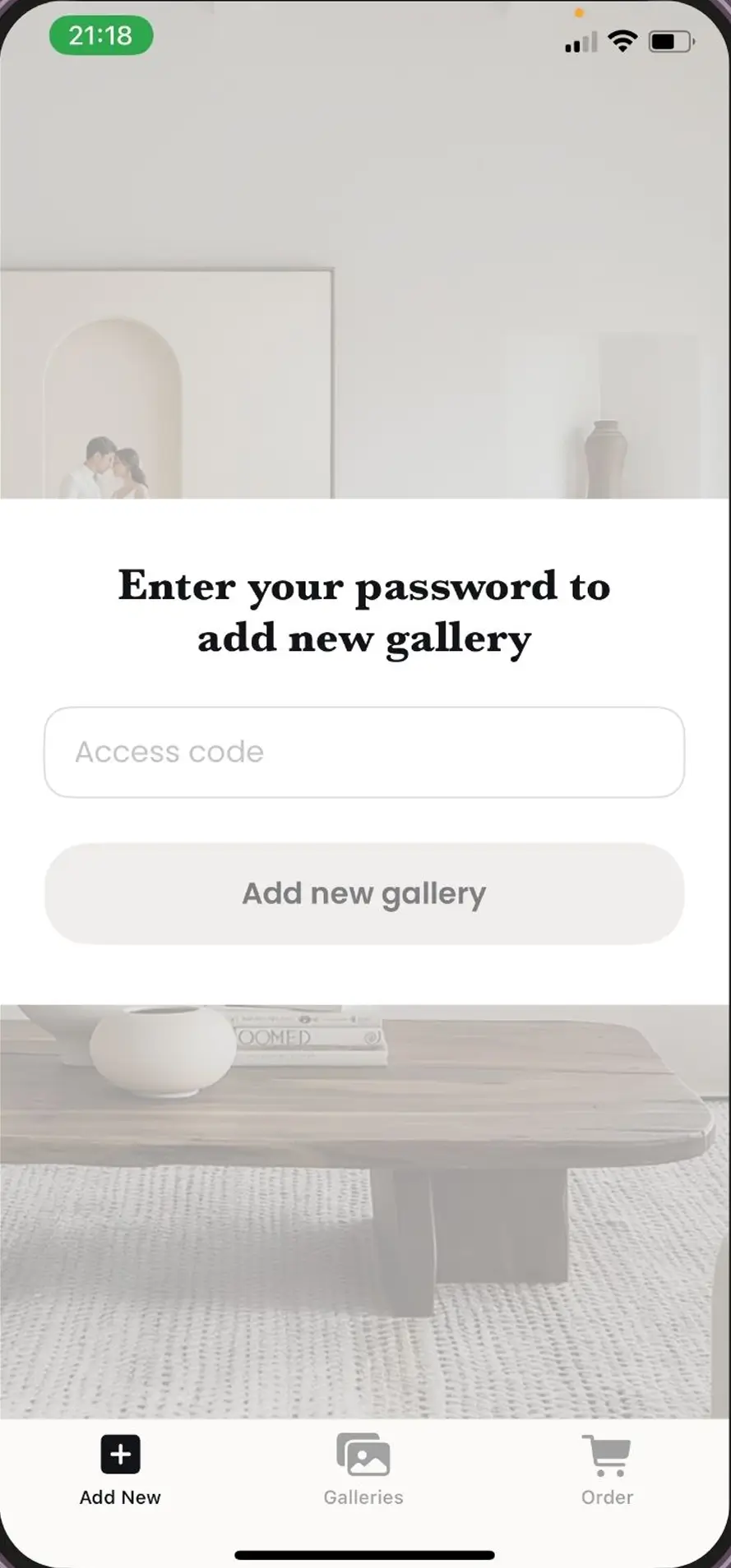
A aplicação móvel que o cliente utiliza para abrir a galeria privada, escolher fotografias e receber as imagens finais.
Transferir MySafeFrame
Grátis para clientes. Disponível para iOS e Android.


Comece com a sua próxima galeria
Utilize todas as funcionalidades do Safe Frame desde o primeiro dia.
Começar período grátisNão é necessário cartão de crédito
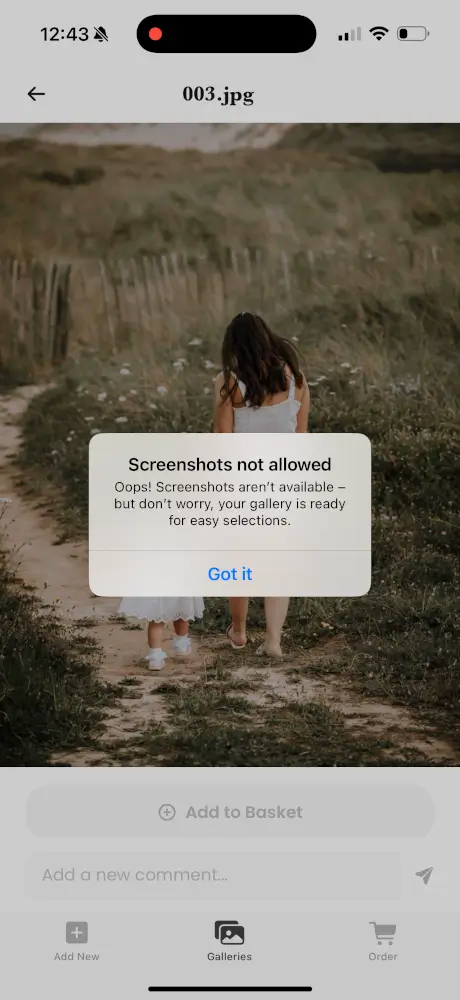
Proteção integrada contra capturas de ecrã
Em dispositivos compatíveis, a MySafeFrame bloqueia ou reage a tentativas de captura e gravação de ecrã enquanto o cliente visualiza a galeria.
A proteção aplica-se à experiência móvel oficial. Não pode impedir todos os métodos externos de copiar uma imagem.
Ver a demonstração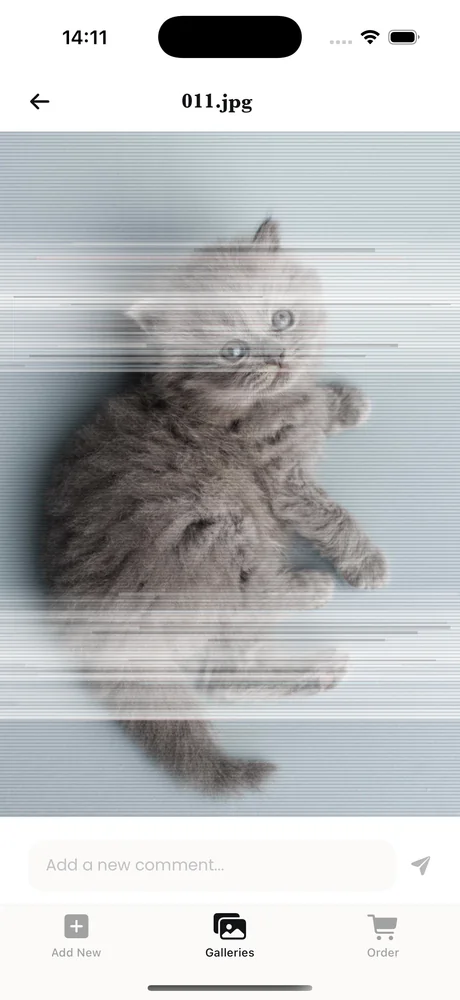
O percurso completo
O processo completo, desde a criação da galeria até à disponibilização das imagens compradas pelo cliente.
Carregue as imagens na SafeFrame Pro, escolha as definições da galeria e gere o código de acesso privado.
Envie o código de acesso ao cliente. O cliente transfere o MySafeFrame, abre a galeria protegida, escolhe as imagens favoritas e adiciona comentários.
Quando o cliente envia a encomenda, recebe um e-mail de confirmação com as imagens escolhidas e os comentários.
Prepare as imagens finais e disponibilize-as para transferência no MySafeFrame.
Os nossos embaixadores
A Safe Frame faz parte do processo de trabalho com galerias de fotógrafos que compreendem o valor comercial de cada imagem.

Newborn Story Photography · Nordeste de Inglaterra

Tiny Toes by Aggi · Londres

Desde que comecei a utilizar o Safe Frame, os clientes compram mais fotografias e as minhas receitas aumentaram muito.

“Aplicação fantástica.”
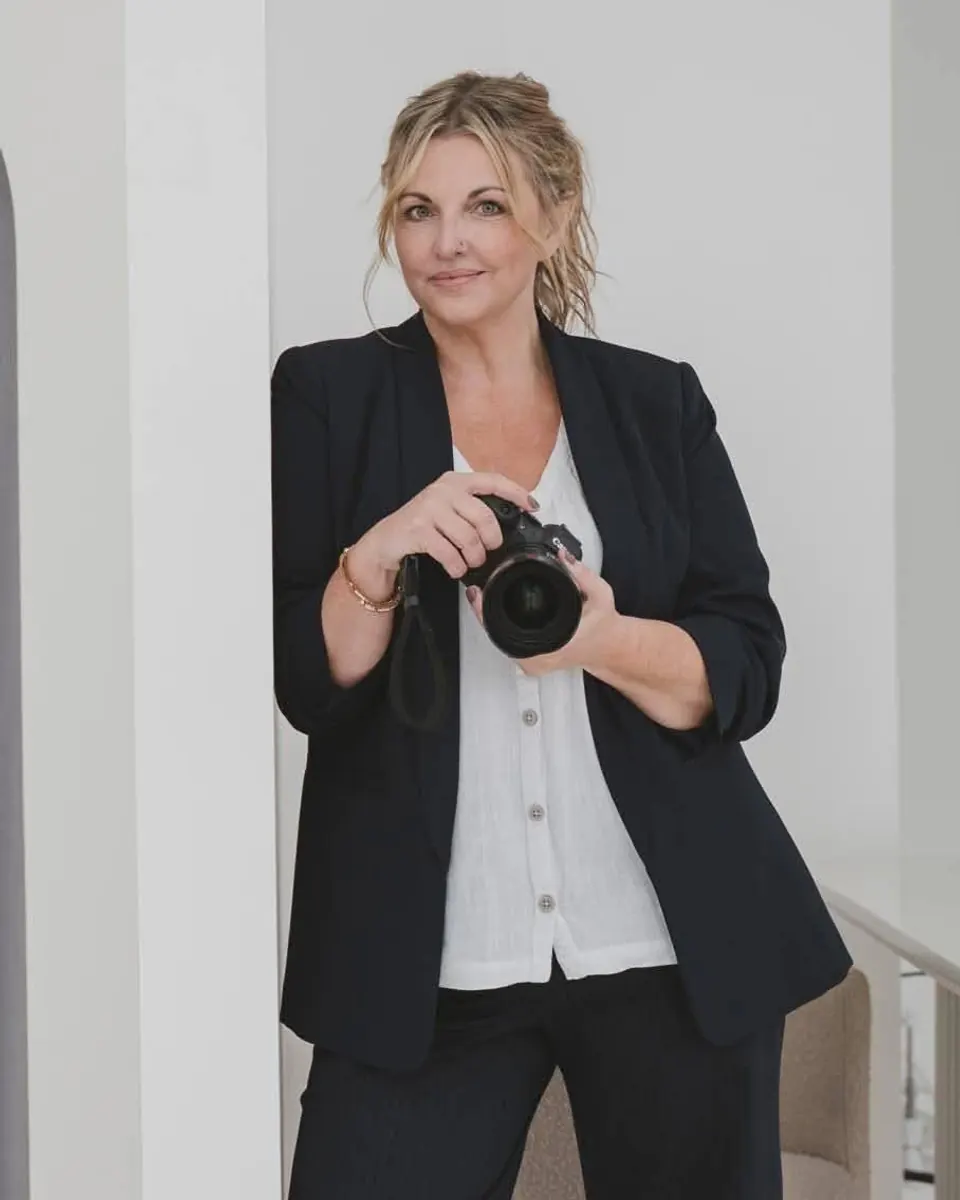
“Uma ferramenta de fotografia incrível.”